


PUBG Mobile UC
Price range: $0,92 through $45,00
RECHARGE PUBG MOBILE UC (GLOBAL)
PUBG Mobile is a Battle Royale game, known for being the first of its kind in the world, subsequently creating other similar games. With PUBG Mobile, you can create your character and join the battle royale online with your favorite team or face off alone on the battlefield against players from around the world.
PUBG Mobile UC (Global) is the in-game currency, better known as Unknown Cash (UC). With it, you can purchase crates in the game to unlock weapons, clothing, parachutes, and many more items. The game is redeemed directly with Midasbuy securely and quickly.
How to recharge PUBG Mobile with Unknown Cash (UC)
- Visit the official PUBG website to redeem the code
- Log in with your username and password or create an account
- Enter the code we provide in the orders section
- Log in to your PUBG account and follow the instructions
- The UC will be credited to your account immediately
How to find your PUBG Mobile ID
- Launch the game
- Click on your nickname in the top left corner
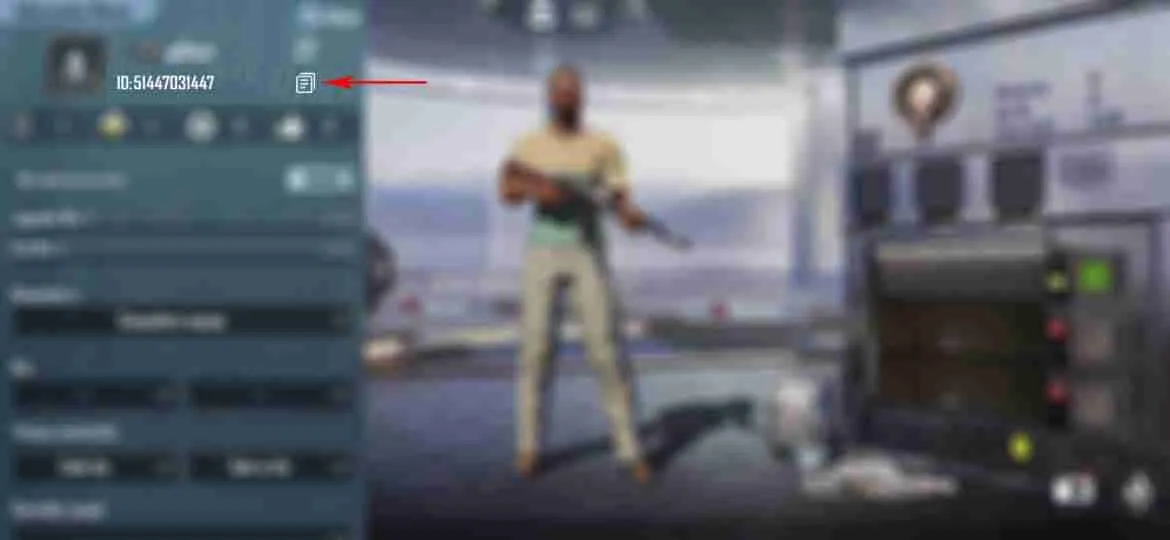
- There you can find your ID and copy it directly, as shown in the image below:
if applicable. Add relevant information.
RECHARGE PUBG MOBILE UC (GLOBAL)
PUBG Mobile is a revolutionary Battle Royale game that set the standard for the genre, inspiring countless other games. In PUBG Mobile, you have the opportunity to create your own character and dive into intense online battles. Whether you prefer to team up with friends or go solo, you will face off against players from all corners of the globe.
PUBG Mobile UC (Global) is the essential in-game currency, commonly referred to as Unknown Cash (UC). This currency allows you to purchase a variety of crates, which can unlock a plethora of items such as weapons, clothing, parachutes, and more. The process of redeeming UC is seamless and secure through Midasbuy, ensuring a quick and hassle-free experience.
How to Recharge PUBG Mobile with Unknown Cash (UC)
- Visit the official PUBG website to redeem your code.
- Log in using your existing username and password, or create a new account if necessary.
- Enter the code provided in the orders section.
- Log in to your PUBG account and follow the on-screen instructions.
- The UC will be credited to your account immediately, allowing you to enjoy your new items without delay.
How to Find Your PUBG Mobile ID
- Launch the PUBG Mobile game on your device.
- Click on your nickname located in the top left corner of the screen.
- Your ID will be displayed, and you can copy it directly for easy access, as shown in the image below:
By recharging your PUBG Mobile UC, you gain access to exclusive content that enhances your gaming experience. Whether you’re looking to upgrade your arsenal or customize your character with unique outfits, UC provides the flexibility to tailor your gameplay to your preferences. With a straightforward redemption process, you can quickly top up your account and get back to the action.
Don’t miss out on the opportunity to elevate your PUBG Mobile experience. With Unknown Cash (UC), the possibilities are endless. Equip yourself with the best gear, stand out on the battlefield, and enjoy the thrill of victory with every match. Start your journey today and see why PUBG Mobile remains a leader in the Battle Royale genre.
You must be logged in to post a review.


Reviews
There are no reviews yet.